
Security and CCTV Installers
Job Management Software for Security and CCTV Installers
Rent A Pro helps security and CCTV installation companies manage customer enquiries, site inspections, installation jobs, technician schedules, digital job cards, equipment records, maintenance contracts and follow-up work from one organised system.
Whether your team installs CCTV cameras, alarm systems, access control, electric fencing, intercoms or security equipment, Rent A Pro gives your business a clearer way to manage work from enquiry to completion.
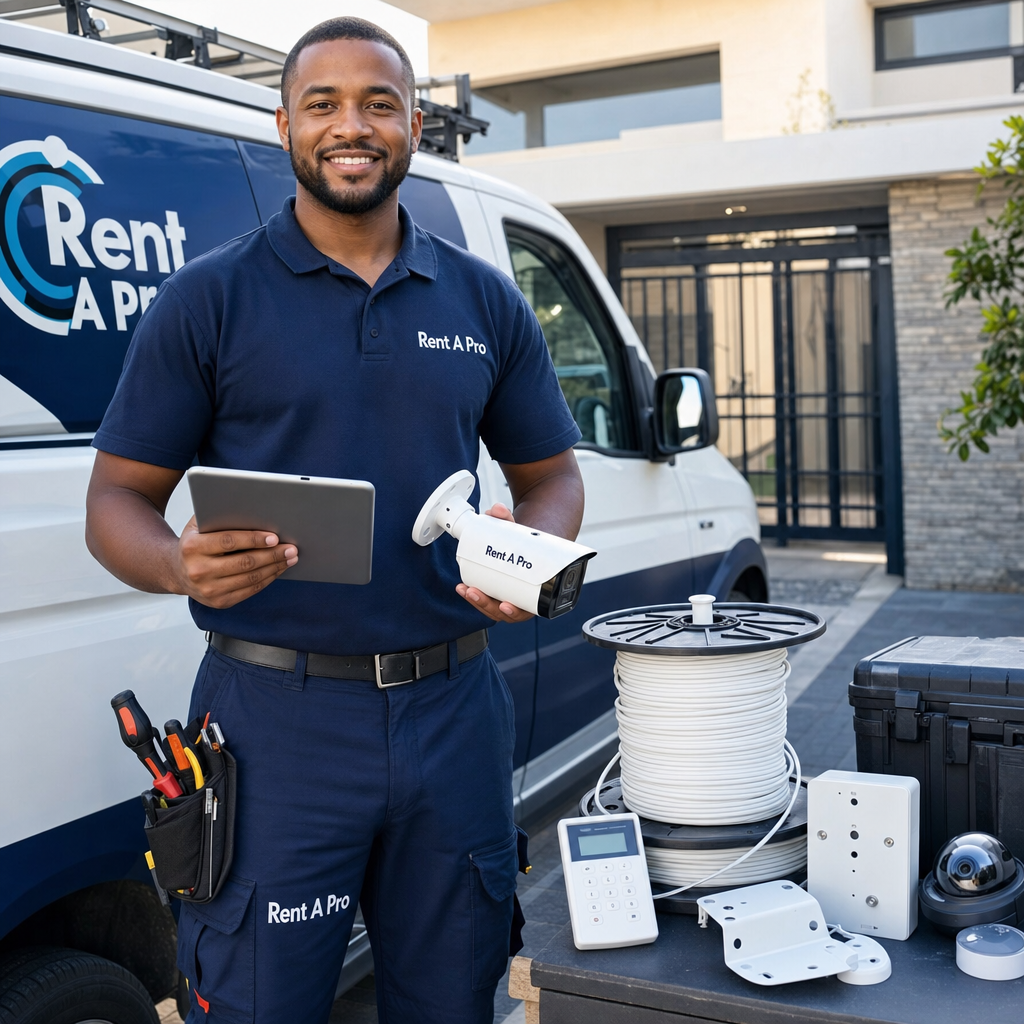
Rent A Pro provides job management software for security and CCTV installers in South Africa, helping installation and maintenance businesses manage customer enquiries, site inspections, installations, digital job cards, technician schedules, equipment records, recurring maintenance and follow-ups from one organised system.
Built for Security Installation Work
Security and CCTV Job Management Built Around Field Work
Security installation businesses need accurate site records, technician schedules, equipment details, customer history, installation notes, maintenance visits and reliable follow-up. Rent A Pro helps bring that daily activity into one structured field service workflow.
Manage Security Call-Outs
Capture customer requests, site addresses, security issues, access notes, equipment requirements and follow-up details so your team can respond with better structure.
Track Digital Job Cards
Keep technician notes, installation details, photos, equipment fitted, work completed and service records together instead of relying on paper or scattered messages.
Plan Technician Schedules
Give office staff and managers better visibility of open jobs, completed installations, appointments, follow-ups and maintenance work still needing attention.
Handle Maintenance Contracts
Use recurring jobs to manage scheduled CCTV checks, alarm maintenance, access control inspections, service agreements and repeat site visits.
Improve Customer Follow-Up
Keep better records of customer history, previous installations, fault reports, equipment notes, outstanding actions and future service opportunities.
Control Equipment and Bootstock
Improve visibility over cameras, cables, brackets, alarm components, access control equipment, consumables and stock moving between stores, vehicles, technicians and jobs.
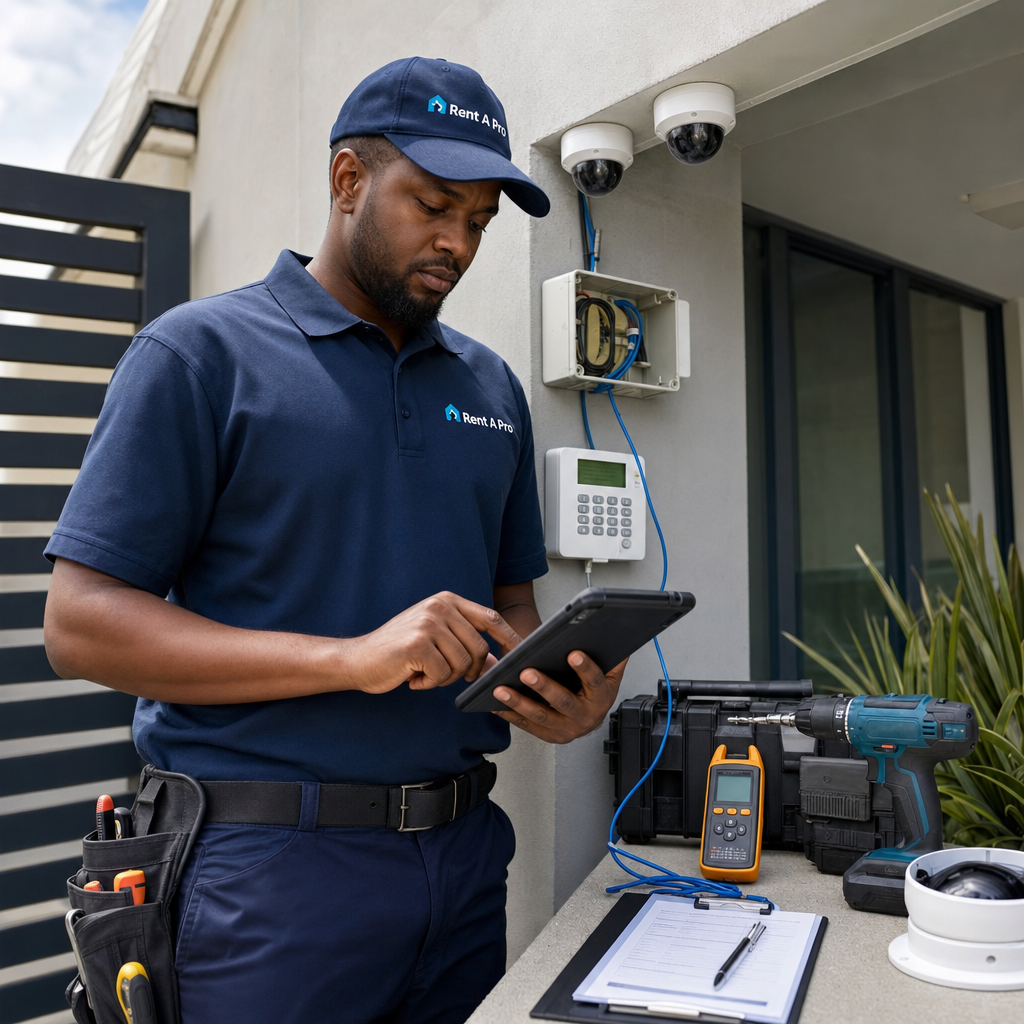
Complete Security Workflow
Manage the Full Security and CCTV Workflow
A security installation job may start as a website enquiry, phone call, WhatsApp message, site inspection request, fault report or planned maintenance visit. From there, your team may need to create a job, assign a technician, record site details, install equipment, capture photos, note materials used and schedule follow-up work.
Rent A Pro helps security and CCTV companies bring these steps into a more organised workflow so that office staff, managers and technicians can keep better control of daily jobs, installations, recurring maintenance and customer follow-up.
- Capture security and CCTV enquiries and customer details.
- Create and manage inspections, installations, repairs and follow-up jobs.
- Assign technicians and track open, completed and recurring work.
- Keep customer, site, system and equipment history in one place.
- Record job notes, photos, equipment fitted and service actions.
- Manage scheduled maintenance visits and service contracts.
- Track cameras, cables, alarm parts, access control equipment and bootstock.
- Improve visibility for office staff, managers and technicians in the field.
South African Service Businesses
Built for Security Installation Teams That Need Better Job Control
Rent A Pro is designed for practical service and maintenance businesses that need better control over customers, field teams, recurring work and completed jobs. For security and CCTV installers in South Africa, that means less scattered information and a clearer view of installations, maintenance visits, site records and follow-up work.
For Growing Installation Teams
Support small or growing security installation teams that need a more professional way to manage customers, technicians, job cards and service history.
For Maintenance Contracts
Keep recurring security and CCTV maintenance visible so scheduled checks, service visits and contract work are easier to plan, track and complete.
For Better Field Visibility
Help managers see what has been installed, which equipment was recorded, what still needs attention and which customer follow-ups should not be missed.
Security and CCTV Use Cases
Software for CCTV Installations, Alarm Service and Security Maintenance
Rent A Pro can support a wide range of security service operations, from local CCTV installers to growing companies managing alarms, access control, electric fencing, intercoms and recurring maintenance work.
CCTV Installations
Manage customer requests, site notes, camera locations, installation photos, technician activity, equipment fitted and completed job records.
Alarm System Service
Keep track of alarm faults, customer history, service notes, parts used, technician findings and follow-up work.
Access Control Work
Record site details, access control equipment, installation notes, user requirements, service actions and repeat maintenance needs.
Electric Fencing Maintenance
Organise fault reports, inspection notes, repair jobs, parts, site history and scheduled follow-up visits.
Commercial Security Contracts
Support repeat site visits, service agreements, equipment records, customer notes and recurring maintenance for offices, estates, retail sites and facilities.
Follow-Up and Repair Jobs
Prepare return visits, warranty checks, system adjustments and customer follow-ups before they are forgotten, delayed or missed.
Features
Key Rent A Pro Features for Security and CCTV Installers
Rent A Pro combines job management, CRM, recurring work, enquiry capture and bootstock control to help security installation businesses manage customers and field work more professionally.
Job Management
Create, update, manage and complete security installation jobs with clearer job information, customer records and service history.
Recurring Jobs
Schedule CCTV checks, alarm maintenance, access control inspections, service contracts and repeat customer visits.
Bootstock Control
Improve control over cameras, cables, brackets, alarm parts, access control equipment and stock used by technicians on customer jobs.
Customer and Site Records
Keep customer information, service addresses, site notes, security system details, previous jobs and follow-up details easier to find.
Website Enquiry Capture
Turn website security and CCTV enquiries into structured follow-up opportunities and service requests.
Field Service Visibility
Help your business keep better control over jobs, technicians, customer communication and completed installation work.
Security Installer Software FAQ
Frequently Asked Questions
Common questions from security and CCTV installers looking for job management software in South Africa.
What is job management software for security and CCTV installers?
Job management software for security and CCTV installers helps service businesses organise customer enquiries, inspections, installation jobs, technician work, digital job cards, equipment records, service history and follow-ups from one system.
Can Rent A Pro help with CCTV installation jobs?
Yes. Rent A Pro helps security businesses capture customer details, site notes, equipment requirements, technician work, job status and follow-up actions for CCTV installation jobs.
Can technicians update security job cards in the field?
Rent A Pro helps security teams keep job information, technician notes, installation actions, photos, equipment fitted and follow-up requirements together so completed work is easier to manage and review.
Does Rent A Pro help with security equipment and stock?
Rent A Pro supports bootstock and stock visibility workflows, helping service businesses keep better control over cameras, cables, alarm parts, access control equipment, consumables and stock moving between stores, vehicles, technicians and jobs.
Can Rent A Pro store customer and site equipment history?
Yes. Rent A Pro helps keep customer details, service addresses, site notes, equipment records, previous jobs and follow-up details easier to find for future service visits.
Is Rent A Pro suitable for small security installation businesses?
Yes. Rent A Pro can support smaller security and CCTV installation teams that want to move away from scattered paperwork, spreadsheets and messages while building a more organised job management process.
Can Rent A Pro help with security maintenance contracts?
Yes. Rent A Pro includes recurring job functionality that can help security companies manage scheduled CCTV checks, alarm maintenance, access control inspections and ongoing service agreements.
Does Rent A Pro help reduce missed follow-ups?
Rent A Pro gives teams a clearer way to track open jobs, completed work, recurring service schedules and follow-up requirements so important customer work is less likely to be missed.
Can security installation enquiries from the website be managed?
Yes. Rent A Pro can help turn website security and CCTV enquiries into structured follow-up opportunities so customer requests are easier to capture, review and action.
Why should security installers use job management software?
Security and CCTV installers use job management software to improve scheduling, customer records, digital job cards, equipment history, recurring maintenance control, technician visibility and overall service follow-up.
Ready to Improve Security Job Management?
Request a demo and see how Rent A Pro can help your security or CCTV installation business manage customers, installations, job cards, maintenance contracts, equipment and follow-ups more clearly.